













Tailwind CSS combined with React and ShadcnUI is a popular stack for modern web applications. Yet even with these tools, it is easy to build a slow application if you don't know what to avoid.
In this article we reveal the 7 most common mistakes developers make when working with this stack, and show how to address them properly for maximum performance.
Application speed isn't just about the technology — it's about how you use it. Even the best framework won't help you if you ignore the fundamental principles of performance.
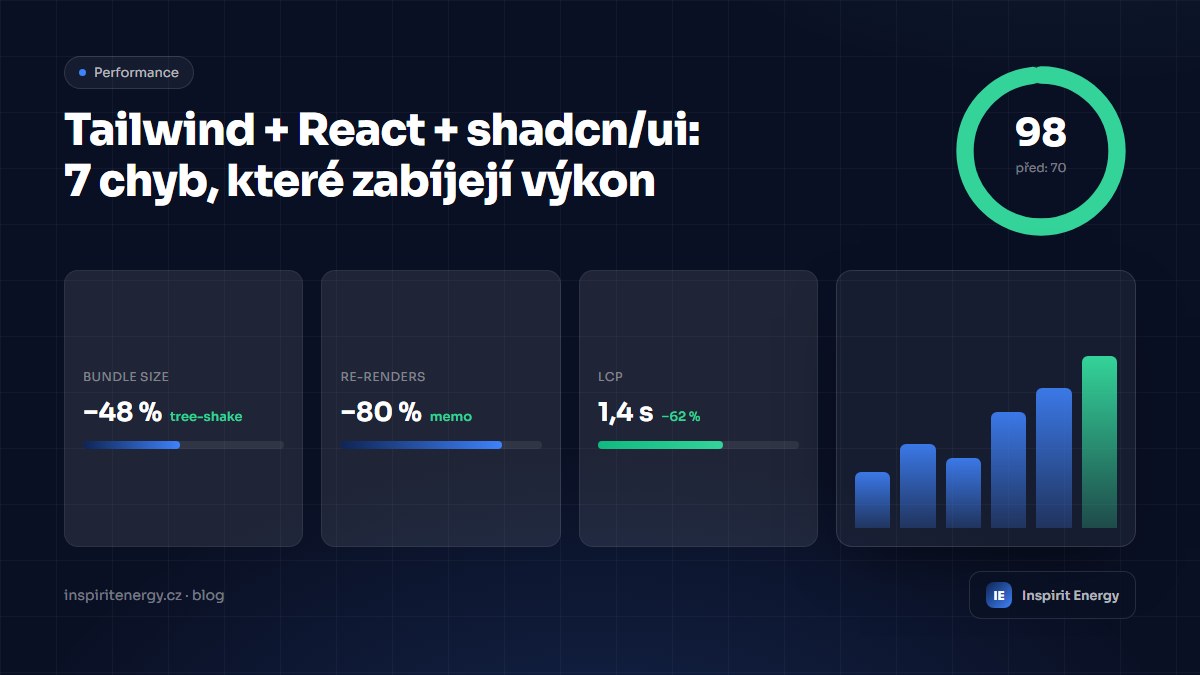
One of the most frequent problems is the overuse of dynamic class names in Tailwind, which prevents tree-shaking of unused styles. Another is unnecessary re-rendering of React components caused by poorly configured hook dependencies.
Key areas of optimization
ShadcnUI components may be beautiful, but when used incorrectly they can significantly slow down an application. Every dialog, popover, or dropdown creates a new portal in the DOM, which puts a strain on the browser when many components are in play.
- Use useMemo and useCallback to prevent unnecessary re-renders
- Lazy-load ShadcnUI components that aren't visible on initial load
- Avoid dynamic Tailwind classes — use clsx or cva instead
- Implement virtualization for long lists (react-virtual)
- Optimize images with next/image and a blur placeholder
- Use React.memo for pure presentational components
- Profile your application with the React DevTools Profiler
Application performance should be a priority from the very first line of code. Regular profiling, code-splitting, and proper use of React patterns will help you keep your application fast even as complexity grows.